
Let's Connect

AI Training and Enablement
Services

Help your team use the AI tools you've approved. We build the training around their jobs and experience. See a sample lesson, then talk to us about what your team needs.
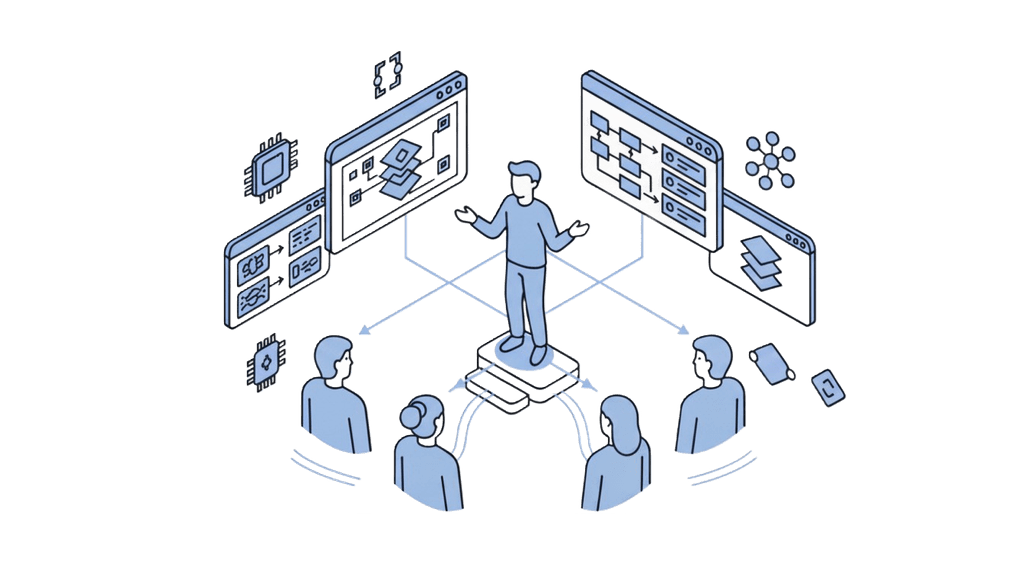
AI training and enablement — a facilitator guiding teams through AI workflows
1
complete written lesson
3
mistakes to find
7
scope questions
0
email gates on samples
Start with the work

Choose the help your team actually needs

Describe what people need to do and what is getting in the way. The next step might be a readiness review, a learning plan, employee practice or support for a wider rollout.

Use the public examples to compare the approaches. Ajaia agrees tailored programs after a qualification conversation, including the facilitator, tools, preparation, support and price.

Useful checks

What should people be able to do afterward?

Explain the task and the finished-work standard
Choose suitable inputs and follow the information rules
Try a task in the intended tool or a written alternative
Compare an answer with its source and correct mistakes
Recognise a question that needs a different owner
Repeat the task with changed facts and less help
The intended workspace

Confirm access before planning live practice

Name the product and features people will use. Ask the tool owner to confirm licenses, accounts and access. Logos illustrate the wider tool ecosystem. Confirm the intended tool and account separately. The chart uses invented values for illustration; it is not customer data or a forecast.

Planning illustrationExample
AccessReview
OpenAIAnthropicGoogleMicrosoftAzureawsGoogle CloudMetaNVIDIAHugging FaceMistral AISnowflakeOpenAIAnthropicGoogleMicrosoftAzureawsGoogle CloudMetaNVIDIAHugging FaceMistral AISnowflake
Ajaia’s approach

Start with a task people recognise

A useful lesson lets people inspect the source and explain the change, the gap, and the next action. Keep the employee’s request short. Put teaching notes and review criteria outside it.

The public employee-training example has starting notes, an ordinary request, a flawed invitation, corrections and changed facts for another attempt.

Questions to settle
01Who needs to do the work, and what can they already do?
02Which task should they practise, and what does good work look like?
03Which tool and features are actually available?
04What information is permitted, and who makes that decision?
05Who reviews the output and handles unresolved questions?
06What will managers inspect after the session?
Public sample

Inspect the teaching before booking

Read a complete made-up invitation exercise on the employee-training page. Three mistakes in a plausible draft concern the deadline, information rules and an unsupported recording promise.

The PDF includes a sample agenda, worked answer, manager follow-up and scope questions. Download it without an email address. Customer references available upon request.

Read the notes01
Try the task02
Find mistakes03
Correct it04
Try again05
Choose a starting point

Which question are you trying to answer?

Readiness assessment

Are the task, sources, access, review and ownership ready? Use the worksheet and worked example.

Upskilling strategy

What should each role practise, and how will the work be checked? Read an invented role-based plan.

Employee training

What will people do in a session? Inspect the complete written lesson and sample program.

Academy and champions

How will groups join, get help and reuse current material? Agree the operating plan and peer-support role.

Leadership

What evidence should an AI proposal contain? Compare options in an invented decision brief.

FAQ

Frequently asked questions

It's for employees learning to use AI in their jobs, and the people arranging that training. We ask about their roles, experience and approved tools before suggesting a plan.
No. We start with a conversation about what your team needs. A proposal then sets out the sessions, trainer, preparation, materials and support. The agenda here is an example.
We agree that with you. The plan needs to reflect the tools and features people can access, their licenses and your rules for information. The public example uses made-up notes and can be read without an AI account.
A trainer works through a task, then people try it themselves. They check the answer against the material they started with and fix anything that is wrong. The tasks and starting level depend on the group.
We agree that in the proposal. It could include a manager reviewing a later task or a follow-up session to work through questions. We keep attendance, task quality and reported use separate when discussing results.
Yes. Read the example and download the approval packet here. Neither needs an email address or a meeting. Customer references are available upon request. You don't need to buy an assessment before discussing training.
Who it helps

Where does your team need help?

01Employees need an ordinary task and a way to check the answer.
02Managers need a work standard and time to review another attempt.
03Learning leaders need a plan, useful samples and agreement on responsibilities.
04Tool and information owners need clear access and material requirements.
05Sponsors need evidence, options and a decision they can explain.

Talk through the work you want to improve